Traffic but no leads? Run a free conversion audit on your own site.
Artemii Novoselov · Founder, Funnel.fyi

You can have a page that ranks, ads that get clicks, and an inbox that stays empty. Traffic and revenue are different problems, and most “website audit” tools only measure the first one. They grade your page speed and your title tags, then go quiet on the one question that pays the bills: can a motivated visitor actually finish the thing you want them to do?
That gap is where money leaks. A button that links to a section that no longer exists. A contact form a phone user has to scroll past three screens to find. A pixel that was never installed, so you can not even see who dropped off. None of it shows up in a Lighthouse score, and all of it quietly caps your conversion rate.
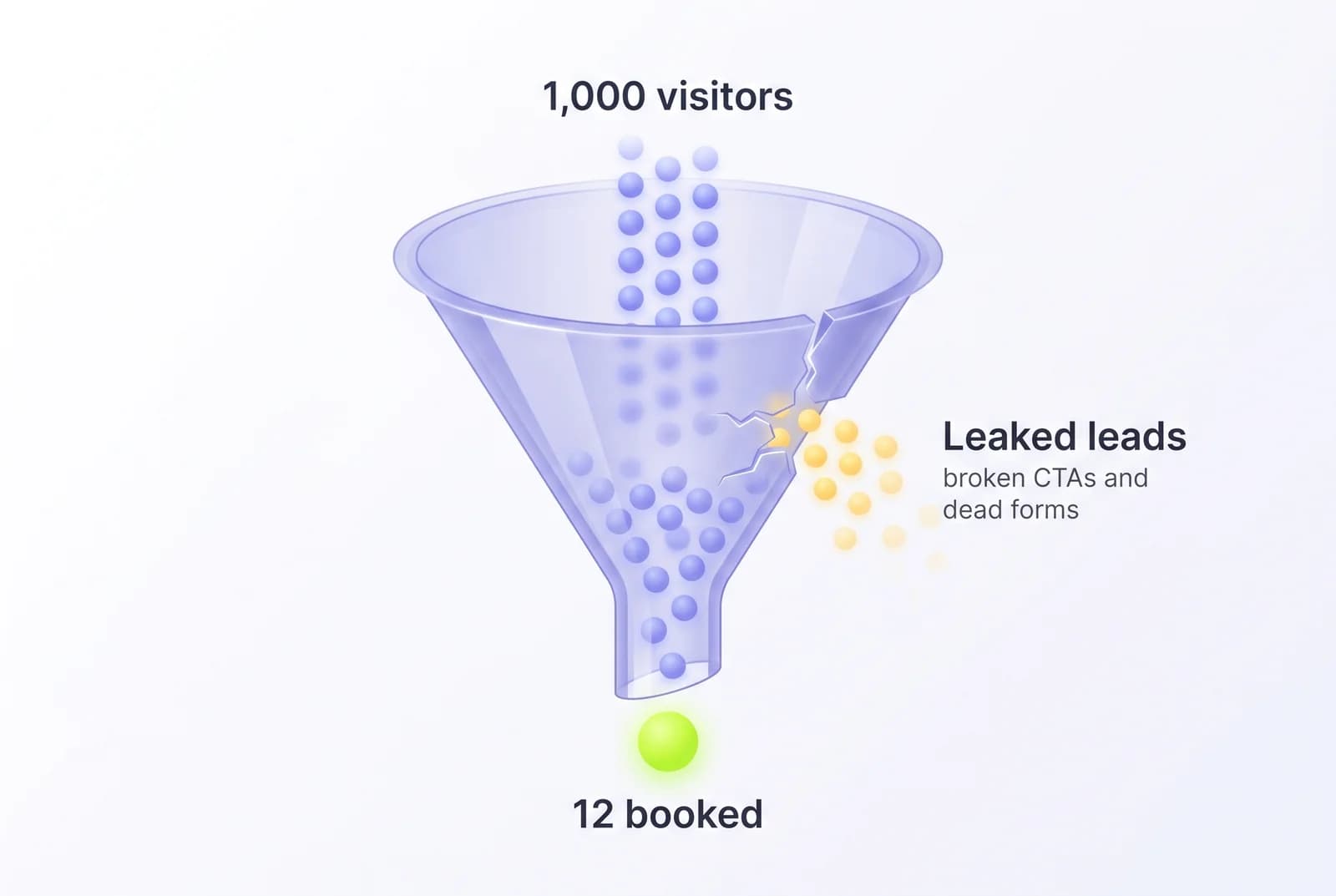
We built Funnel.fyi to find those cracks with real browser evidence. But the first pass of that engine, the deterministic checks that catch the leaks we see most often, does not need our infrastructure to be useful. So we open-sourced it as a free skill you can run yourself: website-conversion-audit.
It runs inside Claude Code (or Cursor). You give it a URL, it reads your live site, and it hands back a graded scorecard and a prioritized fix list. No API key, no signup, no script to install on your site. This post walks through what it checks, how to run it in about two minutes, and, honestly, where a self-serve audit stops and a rendered scan has to take over.
What it actually checks
It is not an SEO checklist. SEO tools already exist and they are fine at what they do. This skill goes after the revenue-killing problems those tools step right over. It runs seven checks against your live pages:
Crawl & map
dead pages, redirect chains, duplicate titles
CTA & funnel
Most leaks live herebroken buttons, buried forms, generic submit labels
Mobile contact
no sticky call/chat, contact stuck in the footer
Tracking
missing pixels, no lead-completion events
Social sharing
broken OG image, wrong-page descriptions
Meta & content
copy-pasted meta, stale dates, missing H1
Search context
indexing gaps, no Search Console
Most of them are exactly what they sound like. Two are worth slowing down on, because they catch failures that have left businesses with months of zero conversions and no idea why.
The bug SEO tools will never catch
Here is the single most common silent killer, and it is almost always a side effect of duplicating a page. You build a landing page from a template. The big call-to-action button points at #contact, an in-page jump to the form section. Then you copy that page to spin up a second campaign, tweak the copy, and ship it. But the new page never got a form section with id="contact". So the most important button on the page now scrolls to nothing.
href="#contact"#contactNo element with id="contact" on this pageNobody gets an error. Analytics still counts the pageview. The visitor taps your main button, the page sits still, and they leave. The skill catches this by reading every href="#…" link and checking whether a matching id exists on the same page. When it does not, that is a critical finding, named with the exact page and button.
The same module also flags forms with too many fields, primary actions that sit below the fold on mobile, and submit buttons that still say a generic “Submit” instead of telling the visitor what they get. Module 4 is the quieter cousin: if you have a tracking pixel but no lead-completion event, you are counting traffic and flying blind on conversions. You literally can not tell which campaigns produce customers.
How to run it
You need Claude Code. Installing the skill is one command. Pick whichever you prefer.
Option A, the plugin marketplace. Inside Claude Code:
/plugin marketplace add crimeacs/website-conversion-audit/plugin install website-conversion-audit
Option B, drop the file in yourself. One curl, no plugin system:
mkdir -p ~/.claude/skills/website-conversion-audit && curl -sL -o \~/.claude/skills/website-conversion-audit/SKILL.md \https://raw.githubusercontent.com/crimeacs/website-conversion-audit/main/skills/website-conversion-audit/SKILL.md
Then point it at your site:
/website-conversion-audit https://yoursite.com› Crawling sitemap and homepage…› Checking 7 CTA buttons, 2 forms, 14 internal links…› CRITICAL /landing — “Get a quote” jumps to #contact (missing)› HIGH no lead-completion event fires on form submit
It runs the seven checks in parallel and finishes in a couple of minutes. What comes back is the part that matters.
How to read what comes back
The report leads with one scorecard and one checklist. The scorecard is a 0–100 conversion-health grade with a per-check breakdown, so you can see at a glance whether your problem is the funnel, mobile, tracking, or sharing.
The scorecard tells you where to look. The fix-it checklist is what you actually work from. Every finding is a single line, ordered critical-first, then by how fast it is to fix, each with the exact page and the exact change. Treat it as a loop, not a verdict:
- Run it against your highest-traffic page first, the one your ads or your best-ranking post sends people to.
- Fix the critical items. A dead CTA or a missing pixel is usually minutes of work once you know it exists.
- Run it again to confirm the fix landed and to see your score move. It is a diagnostic you re-run, not a dashboard you babysit.
Where the free skill stops
We are going to be straight about the trade-off, because pretending there is not one is how you lose trust. When the skill runs in your terminal, it mostly reads your raw HTML: the source your server sends before JavaScript paints the page. That is perfect for the source-level checks: broken anchors, missing tracking pixels, copy-pasted Open Graph tags, sitemaps full of dead URLs. It catches a startling amount.
But raw HTML is a hypothesis about what a visitor sees, not proof. If your hero copy, your form, or your CTA is rendered by JavaScript, a source-only read can miss it or misjudge it. And it can not hand you a screenshot with the exact leak boxed in red, the kind of evidence you show a client or a teammate to end the argument. That is the line where our scan picks up.
Free skill
Runs in your AI tool
- Reads your live HTML and source
- Catches broken anchors, missing pixels, OG and meta bugs
- Prioritized fix-it checklist in your terminal
- No painted screenshots; best-effort on what JS renders
- No region-annotated evidence to hand a client
- Run-once diagnostic, no monitoring
Funnel.fyi scan
Runs a real browser
- Loads the page in a real browser, after JS renders
- Screenshots with the exact region of each leak boxed
- Deeper AI audit pass over every finding
- Copy-ready fix prompts for your coding agent
- Shareable client-ready report
- Optional daily monitoring with score history
The Funnel.fyi scan loads your page in a real browser, after JavaScript has rendered, captures what a visitor truly sees, and boxes the exact region of every leak in a screenshot. On top of the deterministic checks, it runs a deeper AI audit over each finding, writes copy-ready fix prompts for your coding agent, packages it as a shareable report, and optionally re-checks the funnel every day so you catch a regression the moment a redeploy reintroduces it.
Same methodology. The free skill is the fast, honest first pass you run yourself. The scan is the tailored, evidence-backed version for the moment “probably fine” is not good enough: before a launch, a paid campaign, or a client handoff.